Free downloads

PowerPoint chart templates

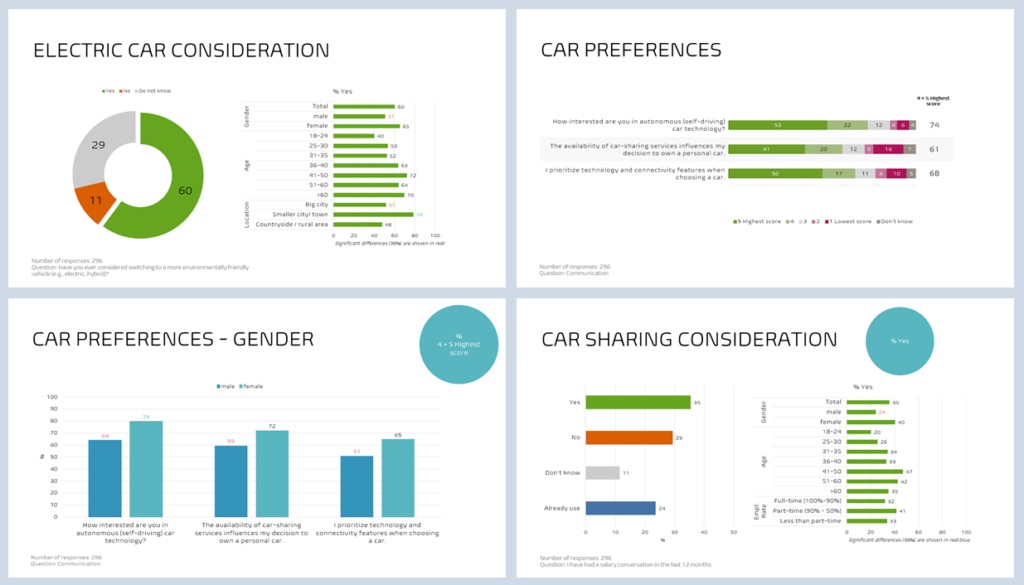
Download our free PowerPoint chart templates for visualisation inspiration – and when you want charts created automatically from your data sets, our platform can do it for you.

Free PowerPoint chart templates

Report examples to download

Segment comparisons template

Market research

Segment comparisons

Makes it effortless to spot similarities and differences across subgroups.

The “Top 2 Box” metric describes positive attitudes among respondents, and segments with significantly higher or lower values are highlighted.
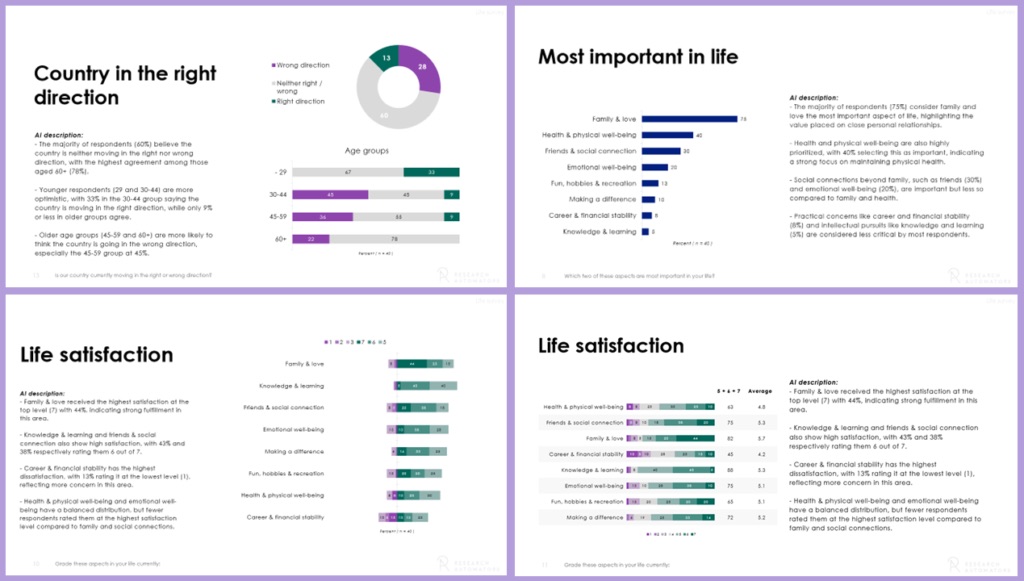
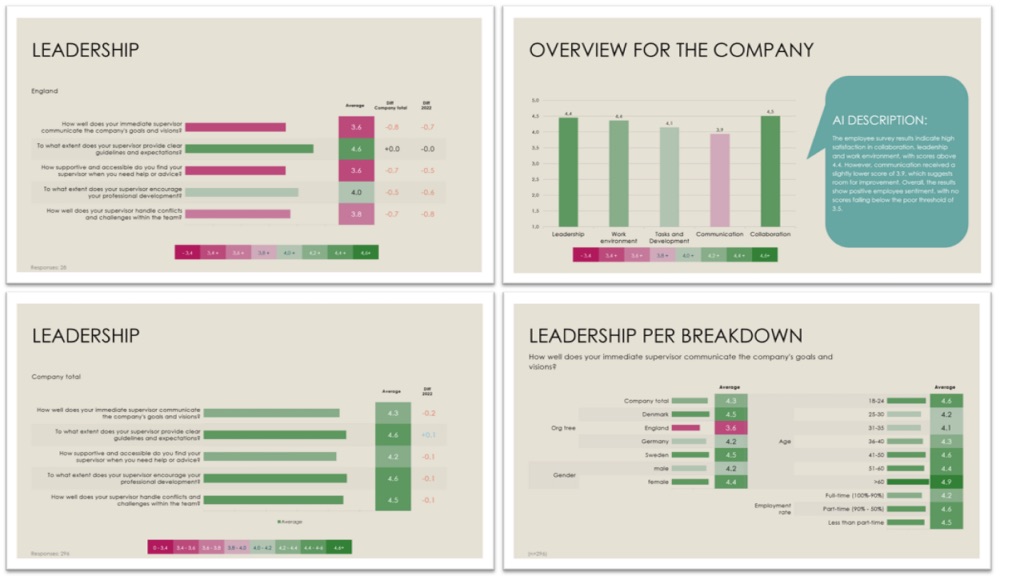
Chart descriptions template

Market research

Chart descriptions

A PowerPoint template for analysts who want to add insights to each chart.

Dedicated space for commentary and interpretation on every page.

Coloured averages report template

Employee survey

Coloured averages report

Chart and table colours are based on the averages: darker green means a higher average, red a lower one.

Q&A report template

Employee survey

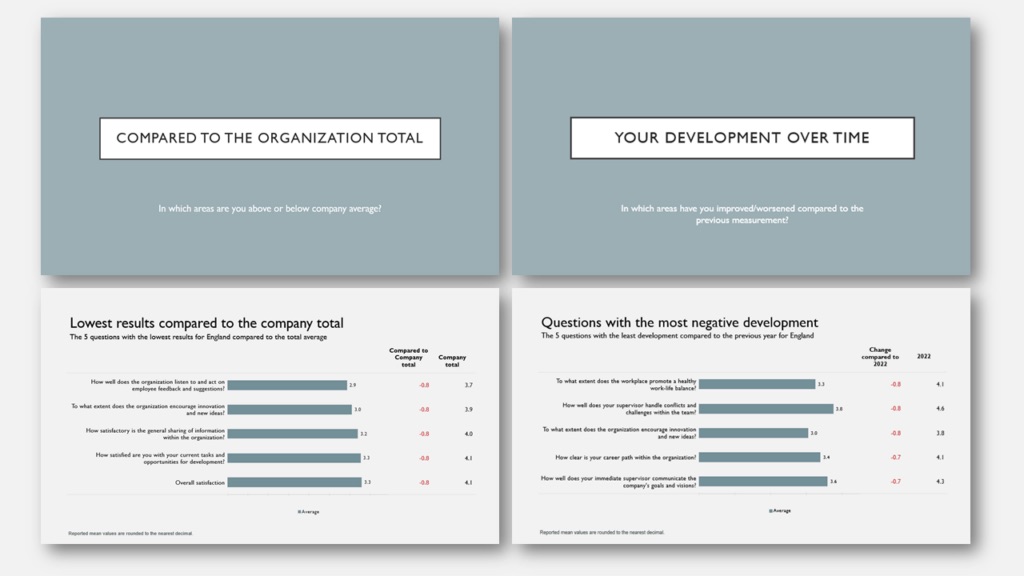
Q&A report

A teaching-style report structured around questions like: Where did we improve or worsen since the previous study? Where are we above or below the company average? Which areas correlate most with overall satisfaction?

NPS charts template

NPS / eNPS

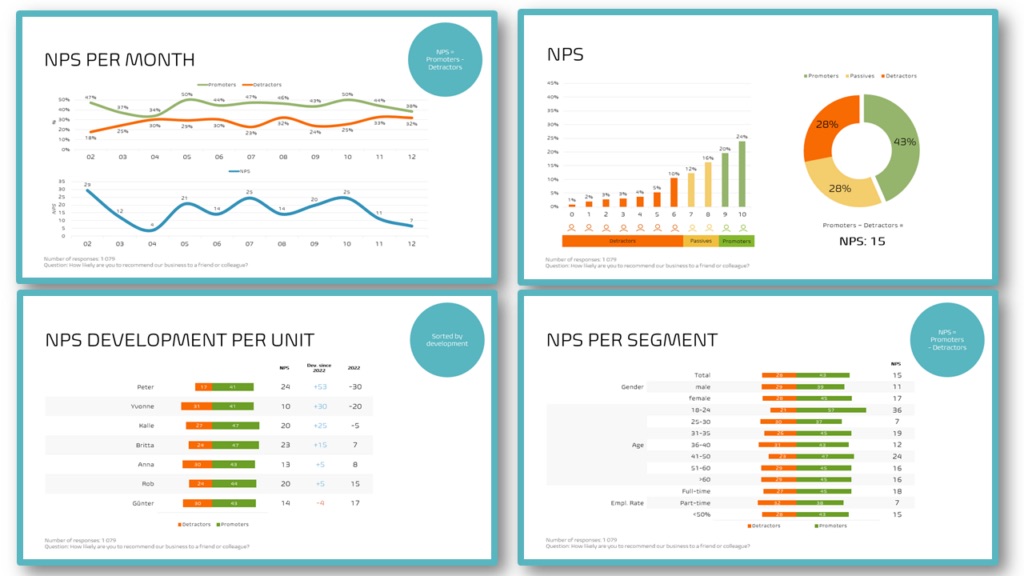
NPS charts

Visualisation ideas for your NPS® or eNPS® survey. Explains clearly how NPS is calculated from promoters and detractors, and compares NPS between subgroups and business units.

360° report template

360° feedback

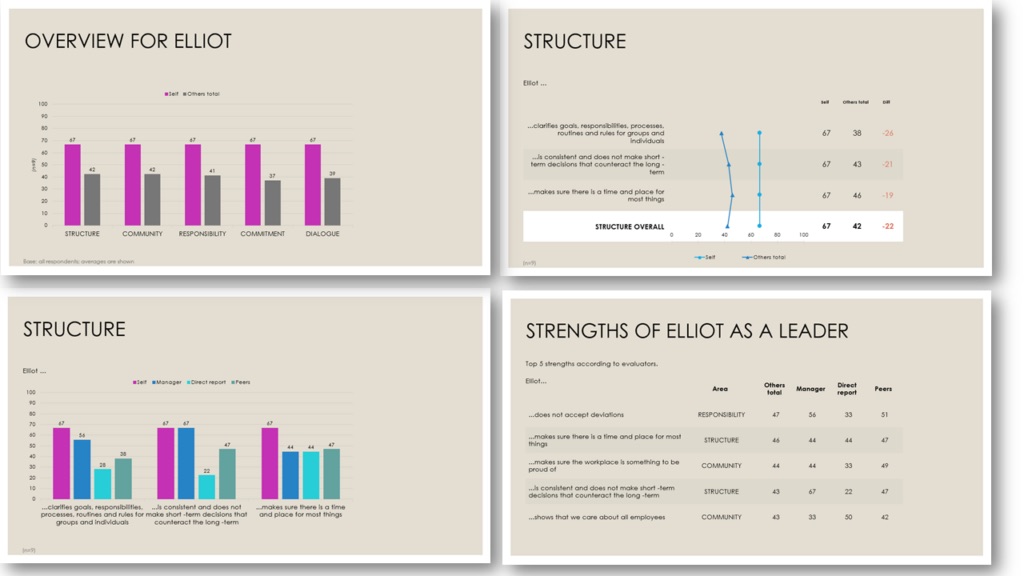
360° report

Charts and tables for 360-degree feedback surveys. Compare self-assessment with peers, managers and direct reports.

Percentages report template

Basic survey

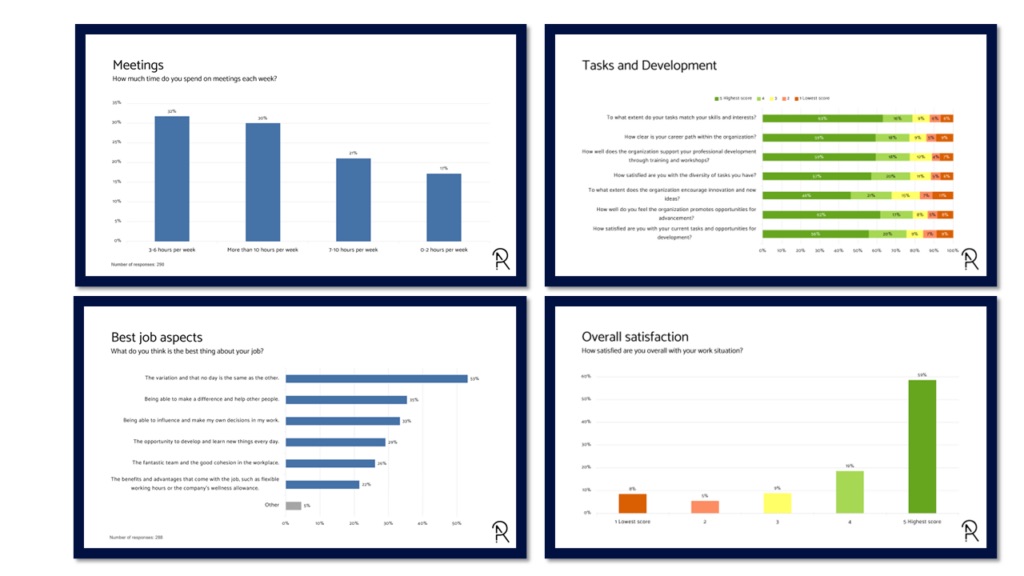
Percentages report

Basic chart templates showing the percentage distribution of survey questions – a mix of pie charts, column charts and stacked bar charts.

Automate your PowerPoint charts

Found a template you like? Populate it with your data.

This is how you can try the platform:

  1. 1 File

    Upload your data

    Contact us to receive your login, where you can securely upload your SPSS data file (.sav).

  2. 2 Preview your report

    Web meeting

    We produce a report from your data set and present it to you in a web meeting. No costs apply.

    Want to download the report? Get a license to the Survey Automator platform!

  3. 3 License

    Platform pricing

    Pricing for the “reporting-only” platform starts from:

    250 € / month

    • 20,000 data rows/ year
    • Unlimited number of projects
    • 1 user
  4. 4 Download

    Download your reports

    You get access to the platform and can create new reports whenever you like:

    • Change or shorten question texts
    • Upload new data sets
    • Select new breakdown variables
    • Update your reports

Frequently asked questions

What is an SPSS .sav file?

The .sav file is the standard format for saving SPSS files. It includes all the information we need to turn your data into a first-class PowerPoint presentation. We can handle other file types too, but the .sav file makes sure nothing gets lost or misinterpreted.

Can I export a .sav file from my survey tool?

For most survey tools, yes – as long as they can export SPSS .sav files, which work best with our report templates. Survey platforms that support SPSS .sav export include SurveyMonkey, Qualtrics, QuestionPro, Forsta, Askia and Netigate.

Can I use my own PowerPoint theme?

Yes, you can use the themes in our report templates or your own corporate theme. Using your own PowerPoint theme costs 400 € (one-time cost).

Can I make adjustments to the PowerPoint report before I download it?

Yes! Once you've sent us the information and data file, we create a draft PowerPoint report based on our templates and present it in a video meeting. You give feedback and we adjust as needed. When you're satisfied and have agreed to the costs, we send you the report.

Can you help me automate my current report?

Can't find a template you like, or want to combine several? We can replicate your current report and automate the data population. Read more.

What type of data are the report templates suitable for?

The templates are designed to inspire and help you present a wide variety of data clearly and concisely – for market research, employee satisfaction surveys, NPS studies and 360-degree feedback.